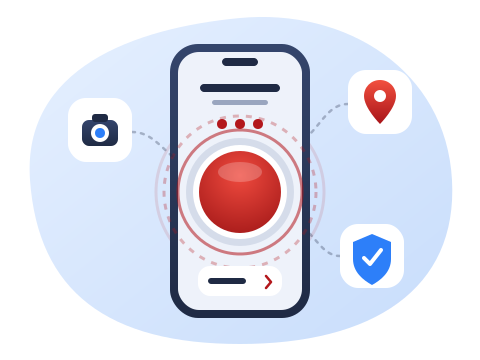
Tap 3 times
Your GPS location, photo or video, and verified identity are captured in one action, so you don't have to type or describe where you are.
FirePulse lets you send reports with your relevant data straight to the Bureau of Fire Protection (BFP) in just a few taps, and keeps you updated on fire incidents.
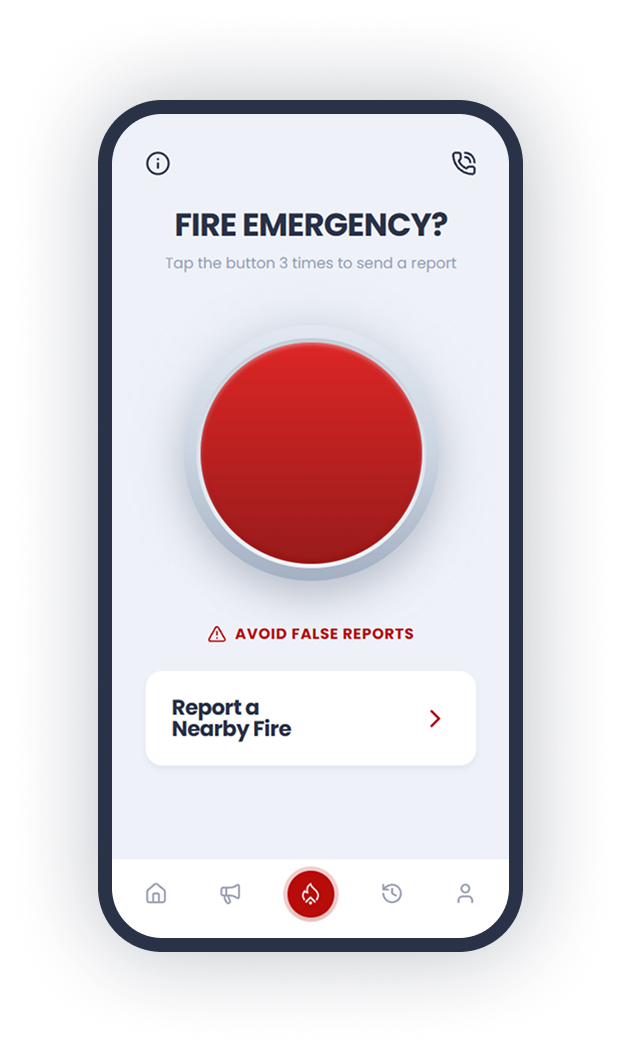
Exact GPS location
Sent with every report
3 Taps = 1 Report
Straight to the BFP
Faster reporting, clearer alerts, and updates every necessary step of the way.
Your GPS location, photo or video, and verified identity are captured in one action, so you don't have to type or describe where you are.
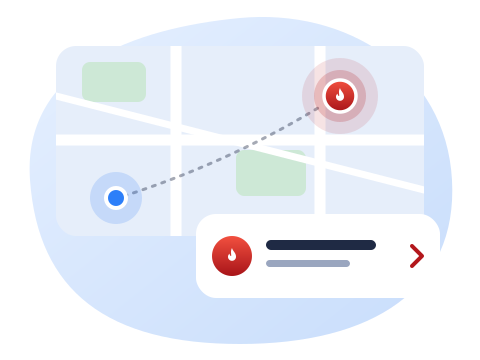
See a fire somewhere nearby? Use Report a Nearby Fire to send what you saw to the BFP for verification.
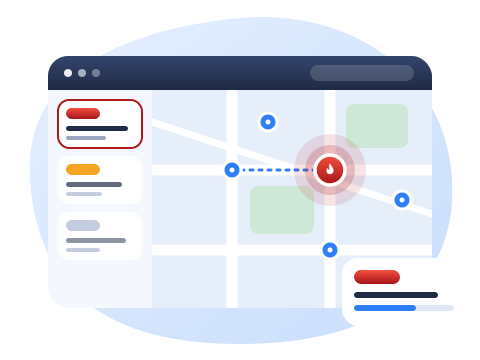
Dispatchers get your report on a live map and can respond right away.
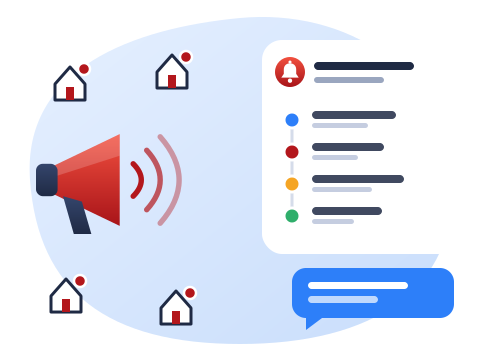
Residents are notified about fire incidents and receive updates from verification to resolution, including alarm level changes and other updates in between.
No app store needed. Open the FirePulse link on your phone, then add it to your home screen.
Open FirePulse in Chrome.
Tap the ⋮ menu at the top right.
Tap Install app or Add to Home screen, then Install.
Open FirePulse in Safari.
Tap the Share button at the bottom of the screen.
Choose Add to Home Screen, then tap Add.
Done! Look for the red flame icon on your home screen. When asked, allow location access so your reports include where you are.
Get to know the people who turned this idea into reality.

Project Manager

Backend Developer

Frontend Developer

Frontend Developer